VPN and public Wi-Fi: the short answer
Yes, a VPN protects you on public Wi-Fi, but less than advertising suggests, and in a different way. It encrypts everything leaving your device before the network sees it: the hotel Wi-Fi operator, a nearby user running a sniffing tool or a fake hotspot then reads only an unreadable stream. It does not protect you from a phishing site, a reused password or a device that is already infected.
The debate has also shifted: now that almost every site encrypts its exchanges with HTTPS, the risk of “my password is read in clear text in a cafe” has dropped a lot. This page separates real risks from exaggerated ones, details the settings that matter, walks through the situations (hotel, station, cafe, airport) and compares suitable VPNs. Prices and features come from the official pages as of November 8, 2026 (Black Friday period): always check with the provider.
A VPN encrypts your traffic on a network you do not control, but HTTPS already protects most sites. They complement each other, and neither replaces caution.
- The real risks: fake hotspots, unencrypted networks, file sharing left on, fake encrypted sites. Not the "remote hacking" seen in films.
- The settings that matter: kill switch, auto-connect on untrusted networks, two-factor authentication, file sharing off.
- Our picks: NordVPN, Proton VPN (free plan), ExpressVPN, PureVPN.
Is public Wi-Fi dangerous in 2026?
The two official sources we read for this page do not say quite the same thing, and that is instructive.
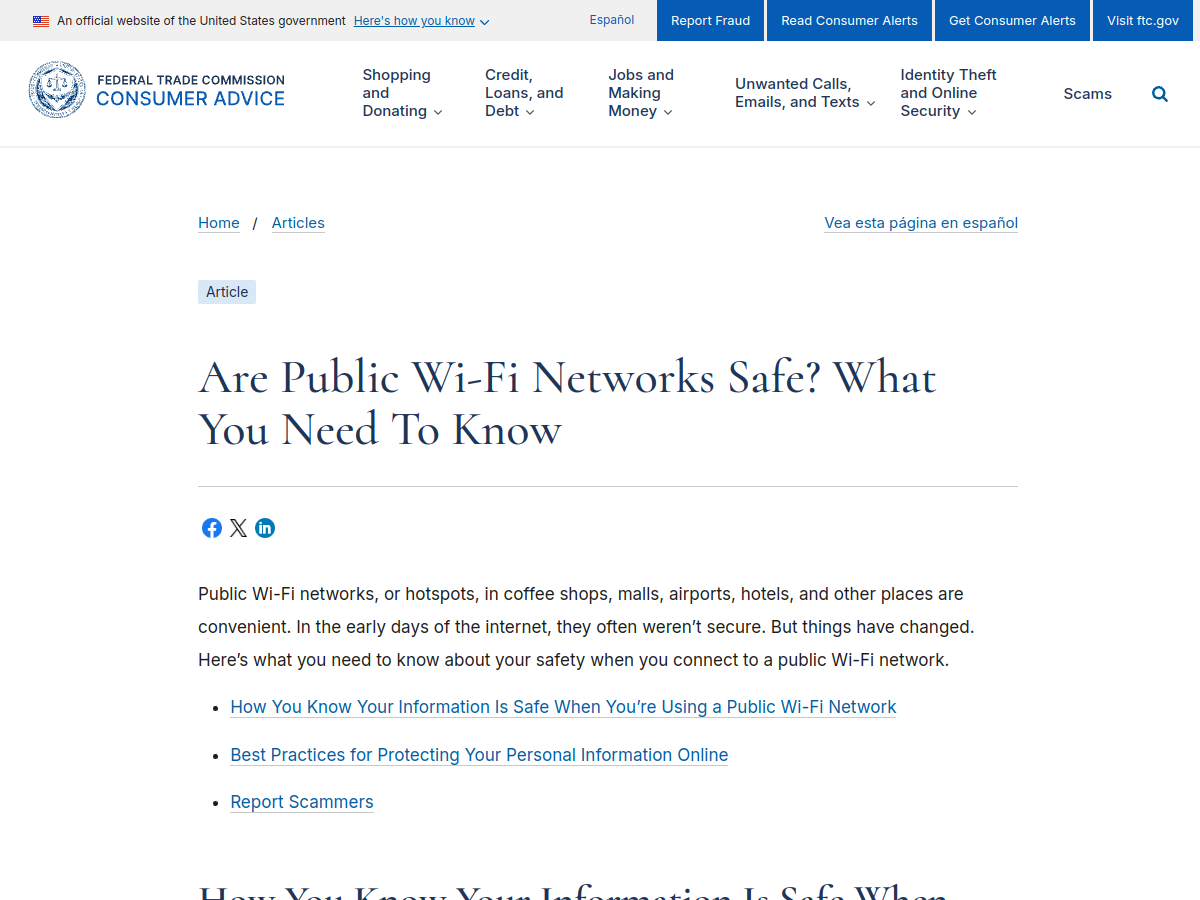
The FTC article (the US consumer protection agency, dated February 2023) says connecting through a public Wi-Fi network is “usually safe”, because most sites now encrypt the data exchanged. It tells you to look for the padlock or “https” in the address bar, and to use strong passwords, two-factor authentication and automatic updates. It does not mention VPNs.
Cybermalveillance.gouv.fr, France’s national cyber-assistance service, in its sheet “How to secure your Wi-Fi network” (published October 16, 2026, updated October 22, 2026), is more cautious: tip no. 10 is to avoid public or unknown Wi-Fi networks. When you are mobile, it recommends using your mobile subscription (4G or 5G), because public Wi-Fi is often poorly secured and can be controlled or spoofed. If you have no choice, it advises avoiding sensitive operations and using a VPN “if possible”.
Our reading: the danger is real but narrow. Public Wi-Fi is not a permanent trap, and most serious sites already protect your exchanges. But you do not know who runs the network, who is on it, or whether it is really the venue’s network. A VPN is cheap insurance against what slips past HTTPS.
What a VPN protects, and what it does not
A VPN creates an encrypted tunnel between your device and one of the provider’s servers. Everything inside that tunnel is unreadable to the Wi-Fi network. Here is what that changes in practice.
| Situation | Without a VPN | With a VPN |
|---|---|---|
| HTTPS site (bank, email) | Content encrypted, but the network sees the site name | The network only sees the connection to the VPN |
| App that does not encrypt | Data readable by an attacker on the same network | Data encrypted inside the tunnel |
| Fake hotspot (evil twin) | The attacker sees your unencrypted traffic and site names | It only sees the tunnel, but you are still connected to its network |
| Phishing site | You type your password into a fake site | Same result: the VPN does not detect the deception |
| Infected device | The malware keeps working | Same result |
| Weak or reused password | Same risk | Same risk |
This table sums it up: the VPN protects the road, not the front door. It replaces neither two-factor authentication, nor updates, nor vigilance against fraudulent links.
Two points deserve a clarification.
- A VPN does not make you anonymous. The VPN provider sees your traffic in place of the Wi-Fi: the gain is moving trust to a chosen, identifiable and often audited company instead of an unknown network. See our guide on Tor vs VPN.
- A VPN slows the connection a little. Modern protocols limit the impact, but on an already saturated airport Wi-Fi the security gain costs some speed.
The real risks on public Wi-Fi
The fake hotspot (evil twin)
The US CISA (page “Securing Wireless Networks”, February 2021, flagged as archived content) describes the attack: an attacker imitates a public access point with a stronger signal, and you connect to their system, which can read the data you send (credentials, card numbers). Its advice: “Always confirm the name and password of a public Wi-Fi hotspot prior to use.” A VPN limits the damage, but the right habit remains not to join “Hotel_Free_WiFi_2” without checking.
The unencrypted network and eavesdropping
Many public access points are not protected by strong encryption, and unencrypted traffic can be captured. The same page recommends connecting only to networks protected by at least WPA2. On an open network with no password, everything rests on sites’ HTTPS and on your VPN.
File sharing left on
On a computer, file and folder sharing from your home network can stay enabled. CISA advises denying it on public networks. It is a free setting that removes an attack path.
Fake encrypted sites and phishing
The FTC points it out: scammers also build encrypted sites. The padlock proves the connection is protected up to the site, not that the site is honest. A VPN does nothing there; a threat filter, like the one in NordVPN plans, can help. See our article on NordVPN threat protection.
What is exaggerated
The “your phone hacked in five seconds in a cafe” seen in films has no serious official source among those we read. Real threats come from poor configuration, a fake network or user error, not from an invisible hacker.
Hotel, station, cafe, airport: case by case
Hotel. The network is shared by hundreds of guests and often protected by a common password, which does not stop other guests from being on the same local network. It is the situation where a VPN is most justified, especially if you work with company documents. See our business travel VPN guide.
Station and shopping mall. Open networks, sometimes with a captive portal to accept. If you can, use your phone’s hotspot instead: that is Cybermalveillance.gouv.fr’s recommendation when mobile.
Cafe and restaurant. The network is often protected by a password written on a receipt or a board. Ask staff for the exact network name: this is prime evil twin territory. Do not do sensitive operations without a VPN.
Airport. Saturated networks, several networks with similar names, a captive portal almost every time. Turn on the VPN after accepting the portal, disable automatic connections to saved networks and keep your kill switch on.
In every case. Update your device before traveling, prepare two-factor authentication (are SMS codes unusable abroad? prefer an authenticator app) and have a plan B: your phone’s hotspot.
The settings that matter on public Wi-Fi
- Kill switch on. If the VPN drops, the connection is cut instead of falling back to the open network. Our guide: VPN kill switch.
- Auto-connect on untrusted networks. Several VPN apps offer to connect as soon as you join an unknown Wi-Fi. Look for the option in your app’s settings.
- File sharing off on a computer, “public” network profile rather than “private” on Windows.
- Automatic Wi-Fi off: do not let your device join known networks on its own.
- HTTPS checked in the address bar before typing a password.
- Two-factor authentication on email, banking and social accounts.
- Automatic updates for the system and the browser.
- A DNS leak check once after installation: DNS leak and VPN.
Which VPN for public Wi-Fi?
For this use, what matters is not unblocking streaming catalogs but the reliability of the kill switch, the simplicity of connecting (a single button on arrival), the number of devices (phone, computer, tablet) and a money-back guarantee. We keep four VPNs with an active program, shown below without a frozen price: the Black Friday and Cyber Monday offers at year end change prices every week, and the detail is in our reviews.
- 10 devices, 30-day guarantee
- Next-gen antivirus included from the Premium plan
- The most complete for a household or a frequent traveler
- Free plan with no data cap, one device
- Kill switch included, even on the free plan
- Swiss, open source apps
- Very simple: one button, few settings
- Lightway protocol, blocks trackers and malicious sites
- 30-day guarantee for new users
- Kill switch and DNS protection listed on the official site
- 31-day guarantee
- Budget option for several devices
The free one that holds up: Proton VPN Free
For occasional use (a hotel now and then, an airport), Proton VPN’s free plan is the only free one we recommend. The official free-plan and pricing pages (captured November 8, 2026) list one device, no ads, no recording of your activity, unlimited and free usage, with a kill switch included and servers in 10 countries assigned automatically. It does not include streaming, P2P or the NetShield filter.

For details, see free Proton VPN and our Proton VPN review.
Paid offers in brief (captured November 8, 2026)
- NordVPN: Basic plan at €3.49 a month over 2 years with 3 months free (€94.23 for the first 27 months), renewal €139.08 a year, 30-day guarantee, 10 devices. See the NordVPN review.
- ExpressVPN: Basic plan at about €2.50 a month (€70 for 28 months), renewal €79.95 a year, 30-day guarantee. See the ExpressVPN review.
- PureVPN: prices in dollars on the official site at the time of capture, with a 31-day guarantee.
These prices are promotional and may have changed: current detail is on each official page. For an overall ranking, see our best VPN comparison.
Why the VPN will not connect on a hotel or airport network
It is the travelers’ most frequent question, and the cause is almost always the same: the captive portal. This network blocks all traffic until you accept its terms (or enter a room number) on a web page. The VPN, which wants to open an encrypted tunnel, gets blocked.
- Turn the VPN off, join the Wi-Fi, then open a simple web page (some portals only appear on an HTTP address).
- Accept the portal (terms, room number, email).
- Turn the VPN on and check with our IP address tool that the address changed.
- If it stays blocked, change protocol or port in the VPN app: some networks filter the less common protocols.
- As a last resort, use your phone’s hotspot.
Avoid leaving the VPN on before you have accepted the portal: some apps end up in an error loop.
Without a VPN: good habits
A VPN is not the only safeguard. If you do not have one:
- Use your phone’s hotspot (4G or 5G): that is Cybermalveillance.gouv.fr’s advice when mobile.
- Avoid sensitive operations (banking, purchases, official paperwork) and postpone them to a trusted network.
- Check the padlock and the exact address before typing a password.
- Refuse file sharing, and check the exact network name with the venue.
- Enable two-factor authentication wherever possible.
What not to do
- Believing the VPN makes public Wi-Fi completely safe. It does not protect against phishing or an infected device.
- Installing an unknown free VPN in a hurry in an airport: a VPN sees all your traffic.
- Joining the first network with a plausible name without asking staff for the exact name.
- Turning off the kill switch to “gain speed”.
- Doing your banking on an unknown network relying only on the VPN.
- Leaving file sharing on under a public network profile.
Sources and dates
Cybermalveillance.gouv.fr, sheet “Comment sécuriser son réseau Wi-Fi ?” (published October 16, 2026, updated October 22, 2026); FTC, “Are Public Wi-Fi Networks Safe? What You Need To Know” (February 2023); CISA, “Securing Wireless Networks” (February 1, 2021, archived content that may be outdated). VPN offers and features: official pricing and product pages of NordVPN, Proton VPN, ExpressVPN and PureVPN, captured November 8, 2026. Search volumes: DataForSEO, November 2026 (English queries such as “is public wifi safe” show about 260 searches a month in the US, with a keyword difficulty of 33).
Not verified: the exact share of web traffic encrypted with HTTPS (Google’s reference page could not be read during our capture), how auto-connect on untrusted networks works in each app in detail, and prices after the promotional period. This page contains affiliate links: if you subscribe through them we earn a commission at no extra cost to you.
Verdict: do you need a VPN on public Wi-Fi in 2026?
- →Does a VPN protect you on public Wi-Fi? Yes, it encrypts all your traffic, but it replaces neither HTTPS, nor two-factor authentication, nor vigilance.
- →Do you need a VPN at a hotel? Recommended, especially if you work with company documents or sensitive accounts.
- →Which VPN? NordVPN for a complete product, Proton VPN for an occasional free option, ExpressVPN for simplicity.
- →VPN will not connect? Accept the captive portal first, then turn the VPN on.
- →No VPN? Use your phone's hotspot and avoid sensitive operations.
See also: best VPN for iPhone, best VPN for Android, VPN kill switch, business travel VPN and what is a VPN.