VPN for Call of Duty Warzone in 2026
Warzone remains the #1 COD battle royale in 2026, and the VPN debate is heated: streamers for DDoS, competitive players for ping, and a controversial minority for the “bot lobby hack”. This article separates legitimate uses (DDoS protection, lobby region for content) from discouraged practices (SBMM manipulation).
Editorial disclaimer: we don’t recommend using a VPN to manipulate matchmaking or bypass regional bans. A VPN is a cybersecurity tool, not a cheat.
A VPN's real value on Warzone is DDoS protection for streamers: it hides your home IP so attacks hit the VPN server, not your router.
- It rarely lowers ping - on EU-West fibre it usually adds 5-15 ms. Test before subscribing.
- We do not endorse the "bot lobby" trick - it's matchmaking abuse, unfair, and risks an Activision ban.
- Best picks: NordVPN and ExpressVPN (dedicated IP, tier-1 anti-DDoS).
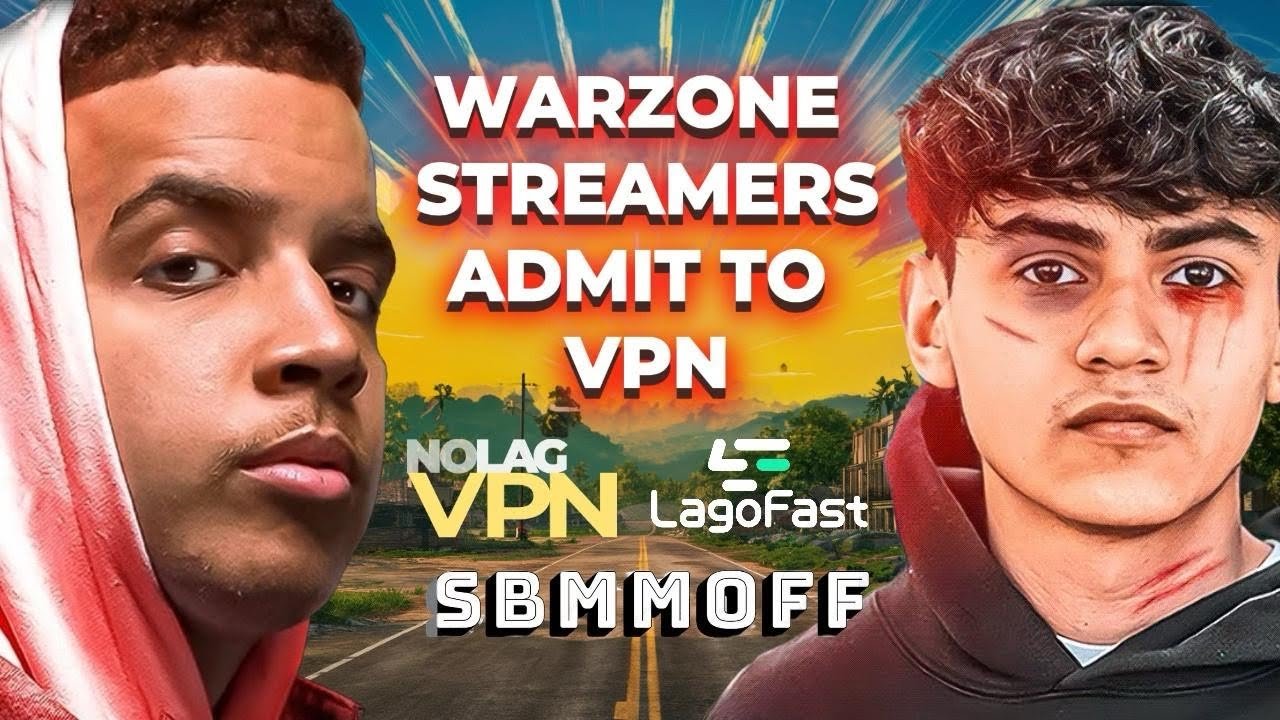
Why a Warzone streamer uses a VPN
DDoS remains streamers’ #1 threat
In the top 1000 Twitch/Kick streamers, many get DDoSed several times a week. The classic scenario:
- A viewer grabs the streamer’s IP through an exploit, private chat, or resolution site
- They order a DDoS attack on a booter site ($10-50/hour, illegal but accessible)
- The streamer is disconnected mid-live in front of their community
A VPN cleanly solves this:
- The exposed public IP is the NordVPN/ExpressVPN server’s — never the streamer’s router
- The VPN server absorbs the attack thanks to its Tier-1 infrastructure (1+ Tbps capacity)
- The streamer keeps playing normally
NordVPN and ExpressVPN offer dedicated IPs (extra €/month) — useful to avoid sharing an IP with others, which might trigger COD VPN detection.
Lobby region for streamer content
A French streamer might want to play US East lobbies in the evening to reach American viewers. VPN enables this routing. Warning: if Activision detects clear region manipulation (France India bot lobby), account at risk.
Ping on Warzone with VPN: the truth
The myth of “VPN that lowers ping”
Let’s be clear: on French fibre with EU West (Paris/Frankfurt) lobby, a VPN adds ping.
- Without VPN: 15-25 ms to EU West
- With NordLynx + Paris server: 20-40 ms
- With Lightway + Paris server: 18-35 ms
The difference depends on VPN routing quality. NordLynx and Lightway are the reference protocols; old OpenVPN TCP doubles ping.
When a VPN really lowers ping
In ~15% of cases, a VPN can help:
- ISP throttling (very rare in France — more common on rural 4G/5G)
- Bad ISP COD server route: your ISP may have weird peering. VPN changes the route better latency.
- Saturated gaming box: local buffering issue bypassed by VPN.
Test method: measure your Warzone ping without VPN, then with VPN (closest server). If VPN lowers ping = favorable case. Otherwise, VPN is only useful for DDoS.
The “bot lobby hack”: why we discourage it
The principle
COD’s SBMM matchmaking tries to balance lobbies by skill. By connecting via VPN to a server in a region where average skill is lower (India, Vietnam, Colombia, Venezuela), some players drop into very easy lobbies — “bot lobbies”.
Why it’s unfair
- You steal lobbies from local players (skill adapted to their real level)
- You create lag for others (you play at 150+ ms from Europe)
- It’s a form of matchmaking abuse banned by Activision ToS
The ban risk
Activision ramped up VPN detection in 2022-2024:
- Known VPN IP detection possible shadow ban
- Suspicious connection patterns (France Mumbai for 10 hours straight) investigation
- Ban waves have already hit free-VPN users (blacklisted IPs)
We don’t support this practice. If you want easier lobbies, play at off-peak hours or in casual mode — not by manipulating geography.
Top 3 VPNs for Warzone (legitimate use)
- Tier-1 anti-DDoS, dedicated IP option
- 6,500+ servers, NordLynx low latency
- 10 connections (PC + PS5/Xbox + mobile)
- Lightway - lowest tested latency
- Aircove router app (whole-home DDoS shield)
- RAM-only TrustedServer, 24/7 chat
- Unlimited connections (PC + PS5 + Xbox)
- Dedicated IP option, modern WireGuard
- Bypasser split tunneling
Setting up a VPN for Warzone
On PC (recommended method)
- Install NordVPN / ExpressVPN / Surfshark app
- Enable NordLynx / Lightway / WireGuard in settings
- Enable kill switch — cuts Internet if VPN drops (no IP leak mid-match)
- Connect to a server in your country or neighbor (Paris, Frankfurt, Brussels for EU West)
- Launch Warzone
On PS5 / Xbox (console streamers)
Option 1: VPN on router (Aircove, Asus, or flash OpenWrt on a personal router) — protects the whole network.
Option 2: PC Ethernet connection sharing Console — PC with active VPN, Ethernet cable to console, Windows in sharing mode.
Choosing the right server
- Live in France Paris or Frankfurt server (close, tier-1)
- Live in Canada Toronto or Montreal server
- Never connect to distant countries (India, Brazil) without specific reason
What NOT to do
- Use a free VPN on Warzone — packet loss, unplayable, IP blacklist
- Manipulate SBMM via VPN — unfair, ban risk
- Forget the kill switch — IP leak during DDoS = match wasted
- Buy a VPN hoping for systematic lower ping — false, test first
- Use a VPN to bypass an Activision ban — doesn’t work (account/hardware-bound), makes things worse
Verdict: which VPN for Warzone in 2026
- →Why a VPN on Warzone? For DDoS protection and, occasionally, a better route to the game servers, never as a matchmaking cheat.
- →Streamer or competitive player? NordVPN or ExpressVPN: DDoS absorbed, minimal latency, dedicated IP.
- →Multi-console family? Surfshark, unlimited connections.
See also: full gaming VPN comparison, VPN for Call of Duty, VPN for PS5, Cheap Discord Nitro VPN.